插图](https://www.midivst.com/wp-content/uploads/2026/11/b85b5a48-b274-48e8-8774-937ebaf12a8.jpg "Ableton Live 13 v13.0b26 (Beta) [WiN, MacOS](5.74GB)插图")
November 2026 | 6.2GB | ALP/dmg
Installation & Setup Guide (Team V.R)
Windows Deployment:
- Run
Ableton Live 13 Beta Installer.exeas Administrator and complete the installation.- Open the
Activationfolder, copy the patchedAbleton Live 13 Beta.exe, and replace the original executable in the installation directory (default):
C:\ProgramData\Ableton\Live 13 Beta\Program- Launch Ableton Live 13 Beta and drag-and-drop the
Authorize.auzfile directly onto the registration window.macOS Deployment:
- Mount the
Ableton Live 13 Beta.dmgdisk image.- Drag
Ableton Live 13 Beta.appfrom the image into yourApplicationsfolder.- Launch Ableton Live 13 Beta and drag-and-drop the
Authorize.auzfile directly onto the registration window.
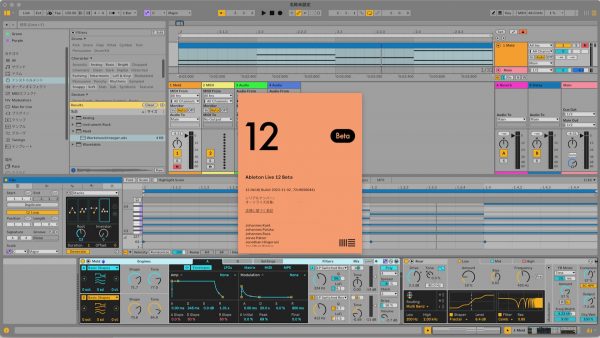
Ableton Live is fast, fluid and flexible software music sequencer and digital audio workstation for music creation and performance. It comes with effects, instruments, sounds and all kinds of creative features - everything you need to make any kind of music.
Create in a traditional linear arrangement, or improvise without the constraints of a timeline in Live’s Session View. Move freely between musical elements and play with ideas, without stopping the music and without breaking your flow.
Here are the Release Notes: https://www.ableton.com/en/release-notes/live-13-beta
Not my Patch, just found it somewhere! Enjoy testing. ALPs for Looplet and Softube devices are included - Note that these are also beta versions aswell and wont work in Live 12 versions.